 Hi5 Jamaica Services
Microsoft Office Installation & Subscriptions Services in Kingston, Jamaica
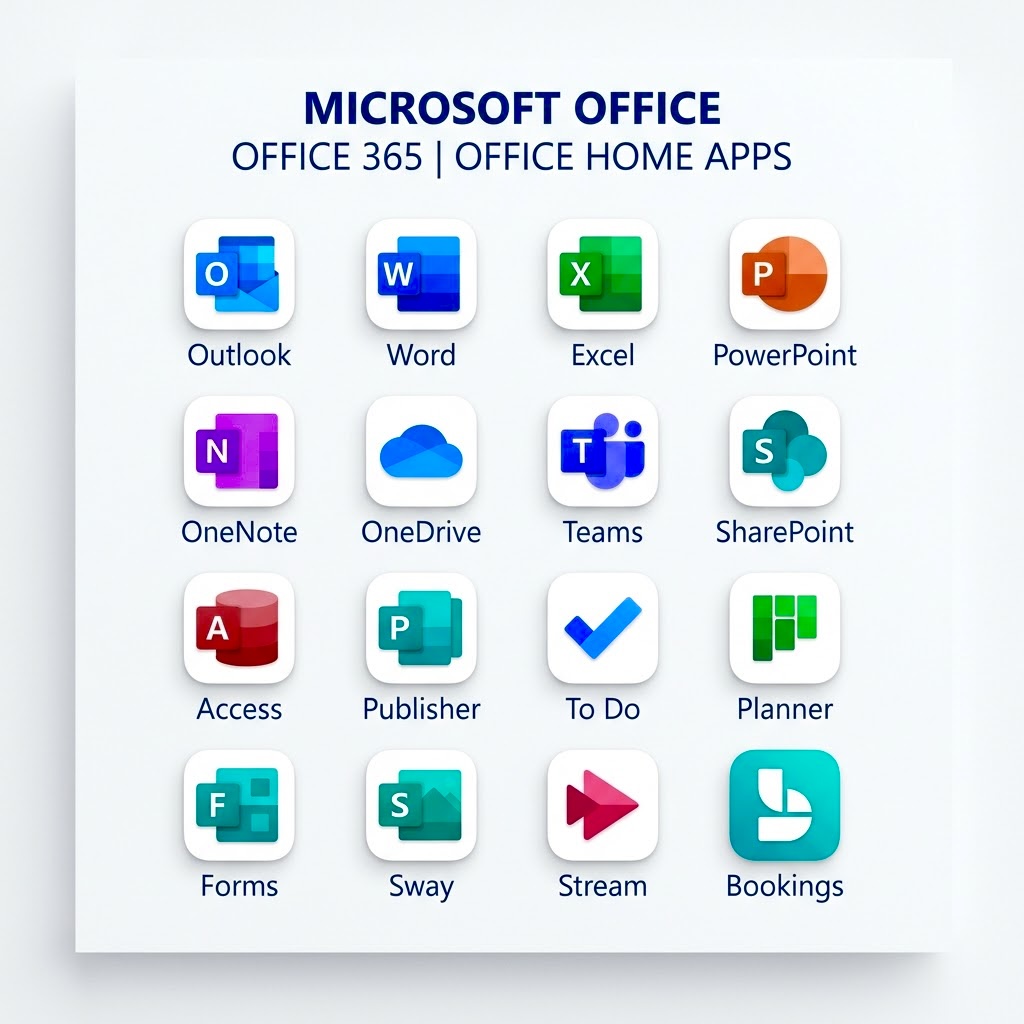
What Microsoft Office Installation & Subscriptions Includes
We handle the complete setup of Microsoft Office on your desktop, laptop, or tablet right here in Kingston. Our Microsoft Office installation and subscriptions service covers everything from downloading the software to activating your licence, installing the latest productivity apps, and setting up your account so you can start working immediately. Whether you need Word, Excel, PowerPoint, or the full Microsoft 365 suite, we get it running smoothly on your device.
We also manage your subscription options, whether that is a one-time purchase or a monthly Microsoft 365 plan. Our team explains which package suits your needs and ensures your licence stays active and up to date.
When You Need Microsoft Office Installation
New device? Reinstalling your operating system? Or just upgrading to the latest version? These are perfect times for a fresh Microsoft Office installation. You might also need our service if your current installation is running slowly, crashing, or if you are unsure which subscription level is right for you.
Many customers in Kingston bring their devices to us when they buy a new computer and want Microsoft Office ready to go before their first day of work or school. We save you the hassle of downloading, installing, and troubleshooting on your own.
How the Process Works
Send us a WhatsApp message with your device details: the make, model, operating system, and whether you already have a Microsoft account. We will quote you and confirm the cost, which typically runs JMD $20,500 – $34,500. Once you drop off your device or arrange a visit, we install Microsoft Office, activate your licence, and test all the core applications. Turnaround is usually 1 day, and we will message you as soon as it is ready for collection.
If you need a subscription added or upgraded, we handle that during installation. You will get login credentials and clear instructions on how to access your files across devices through OneDrive and Microsoft 365 cloud storage.
What to Send Us on WhatsApp
- Your device type and operating system (Windows, Mac, iPad, etc.)
- Whether you have an existing Microsoft account
- Which Microsoft Office apps or subscription level you need
- Your preferred service type, drop off, pickup or remote installation
Message us today and we will get your Microsoft Office installation underway.
Send Us a WhatsApp Message
Share your device model, photos, and a short video of the issue. We’ll respond with a more accurate quote and timeline, usually within an hour during business hours.