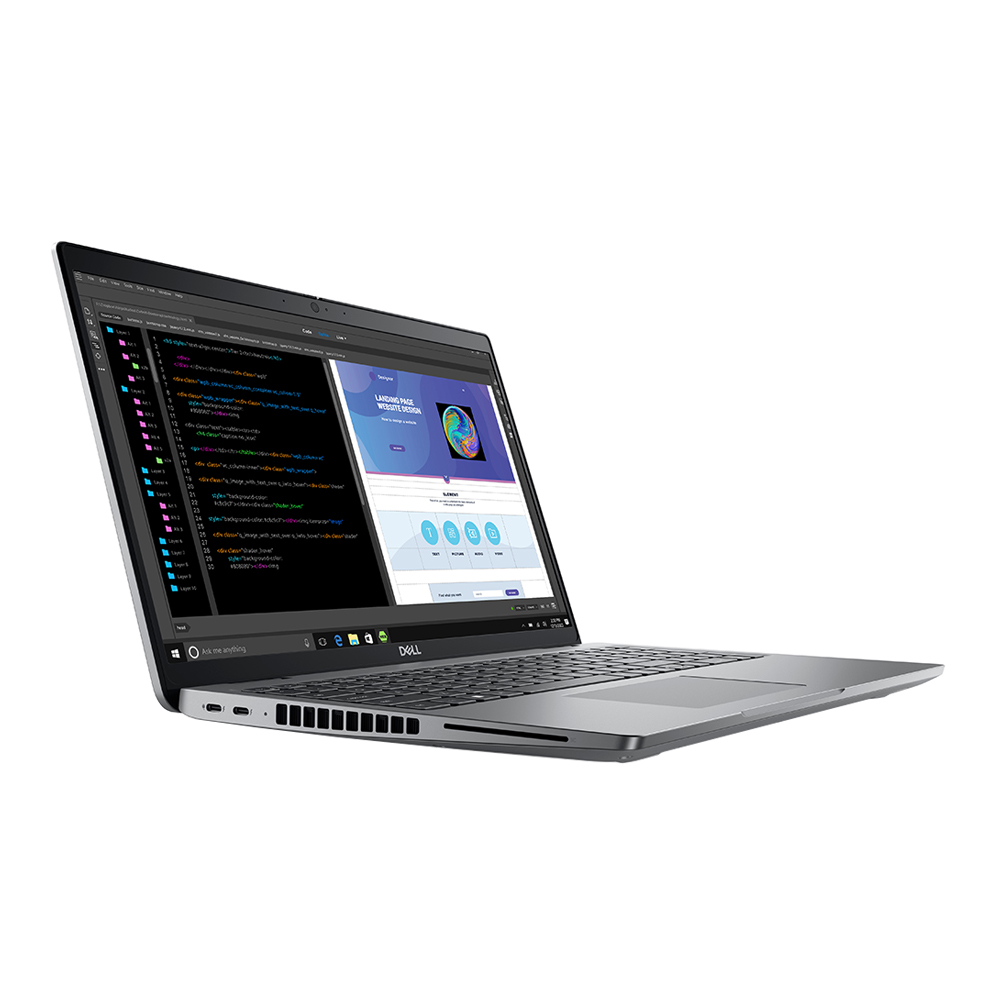
Buy a Brand New Laptop in Jamaica — Delivered Same Day
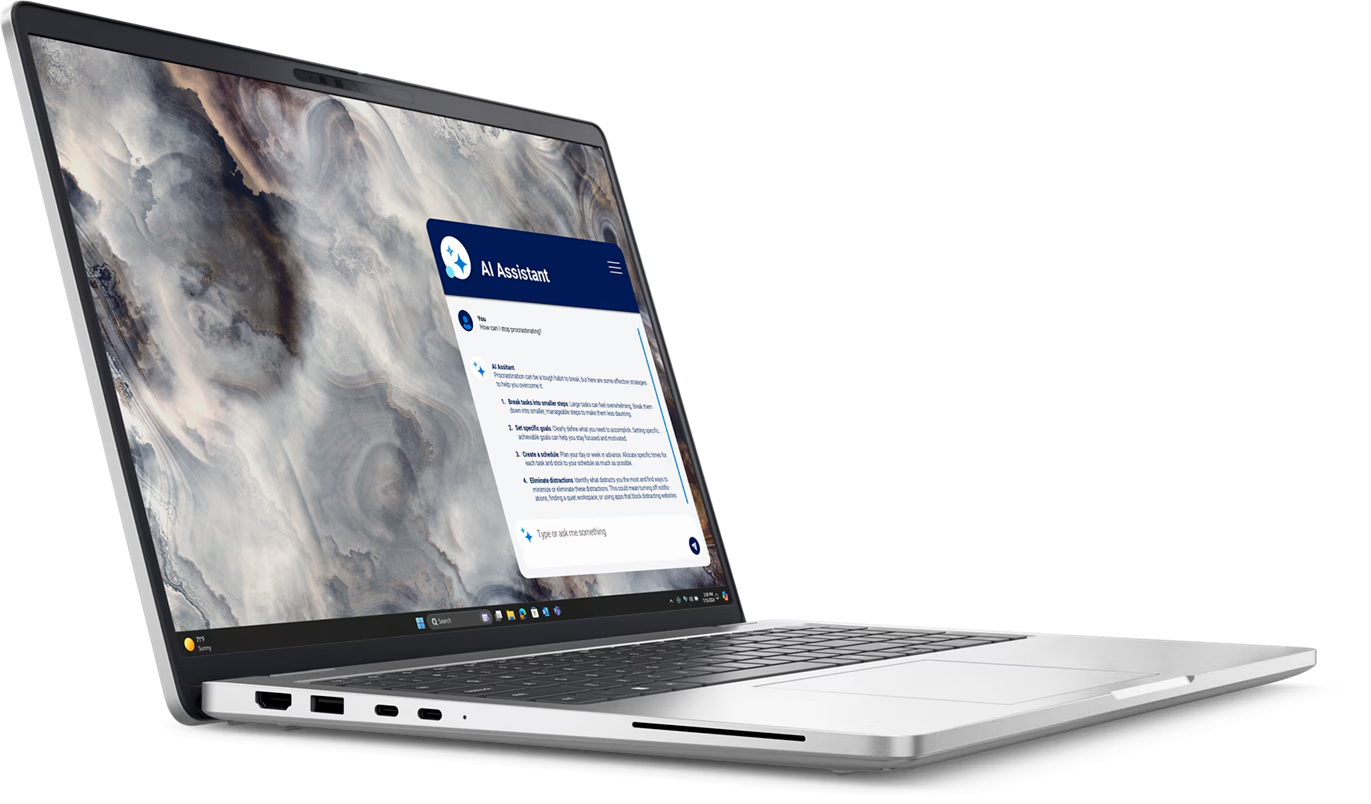
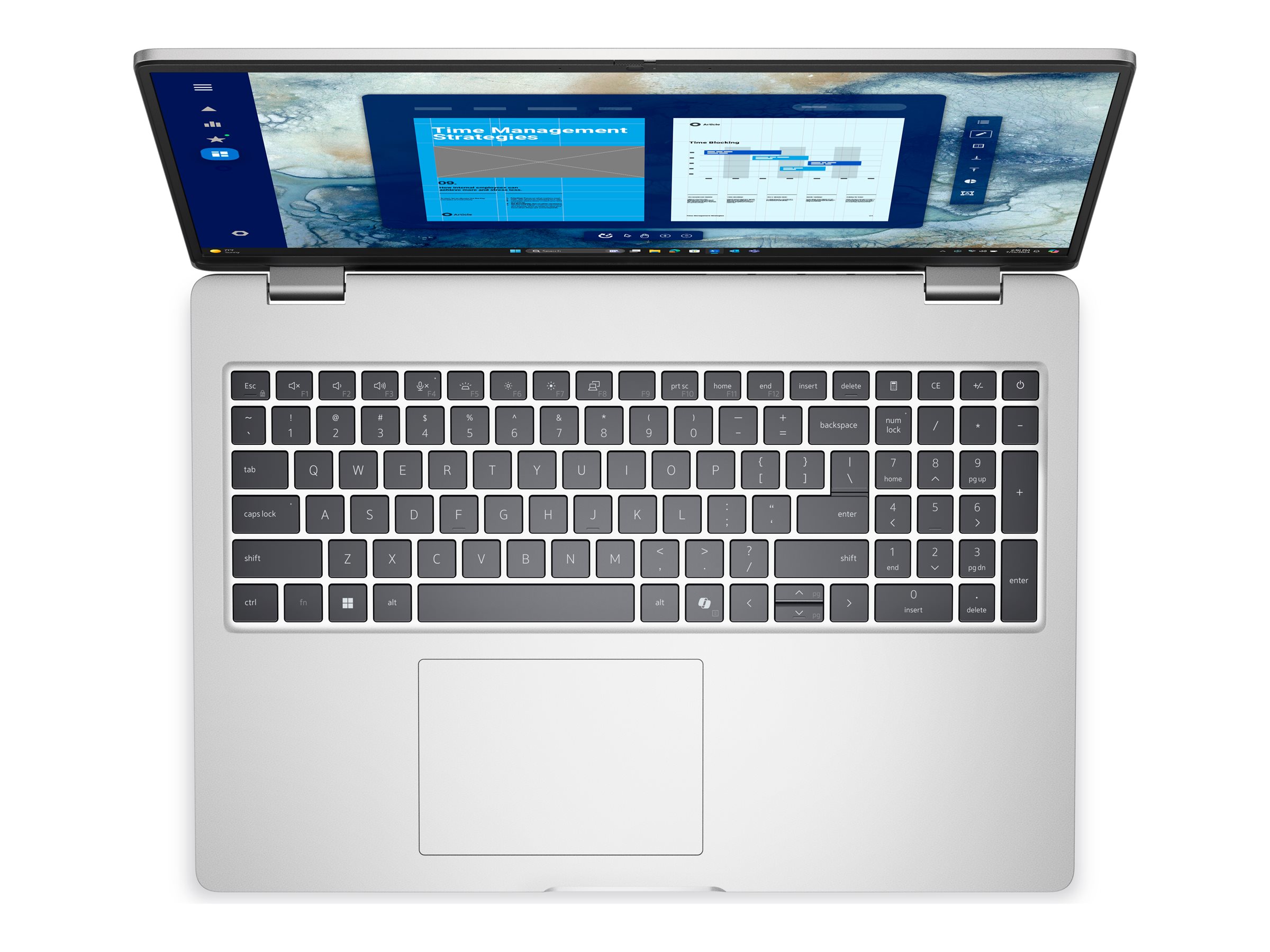
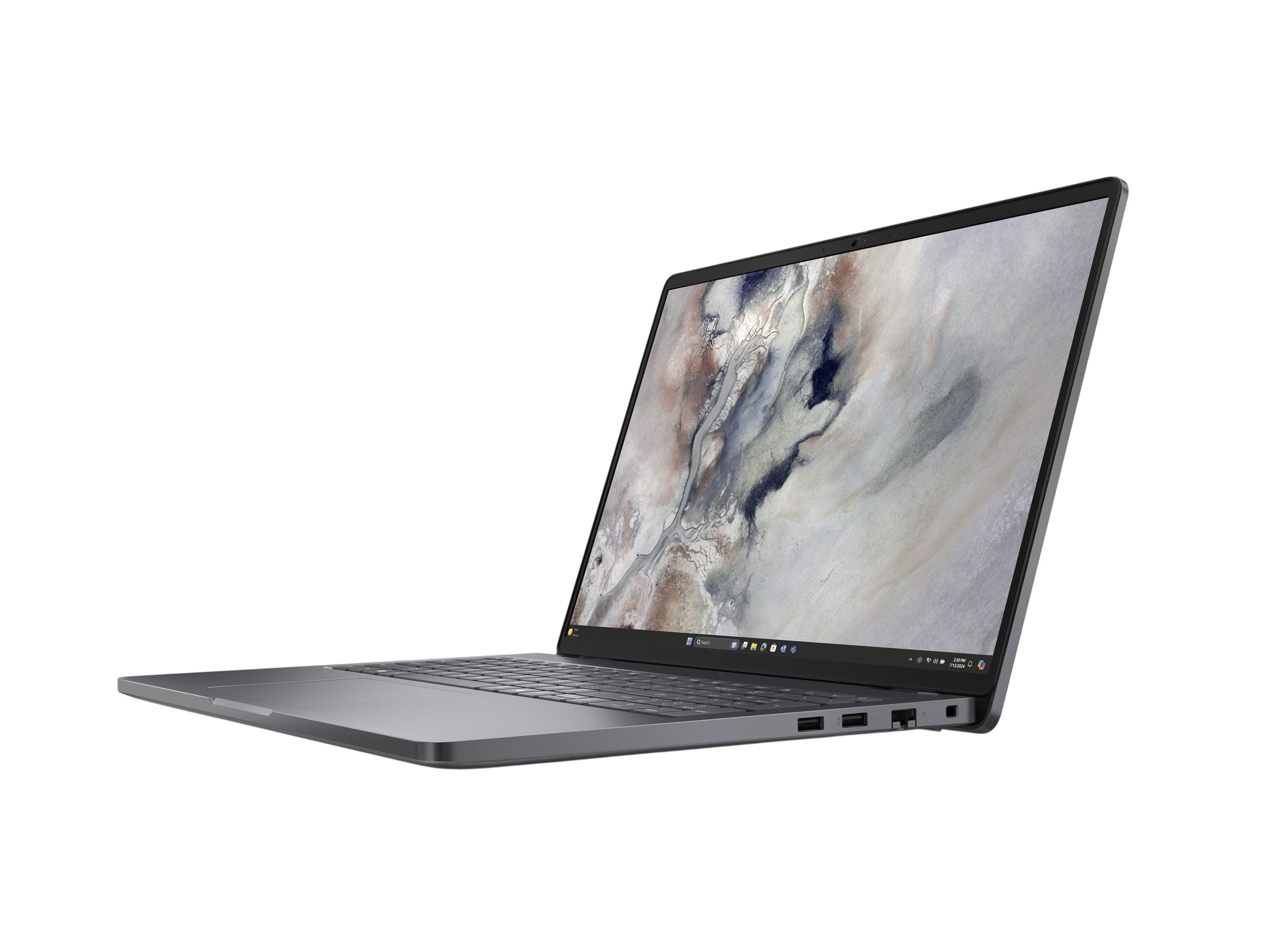
Hi5 Jamaica Services is a Kingston-based retailer of brand new laptops, desktops, mobile devices, tablets, iPads, printers, monitors and even more. Every laptop on this page is sourced from authorised distributors and comes in its original sealed box with manufacturer warranty, typically 6 to 12 months depending on the model. We do not sell used, refurbished nor second-hand devices.
Brands and Models We Stock
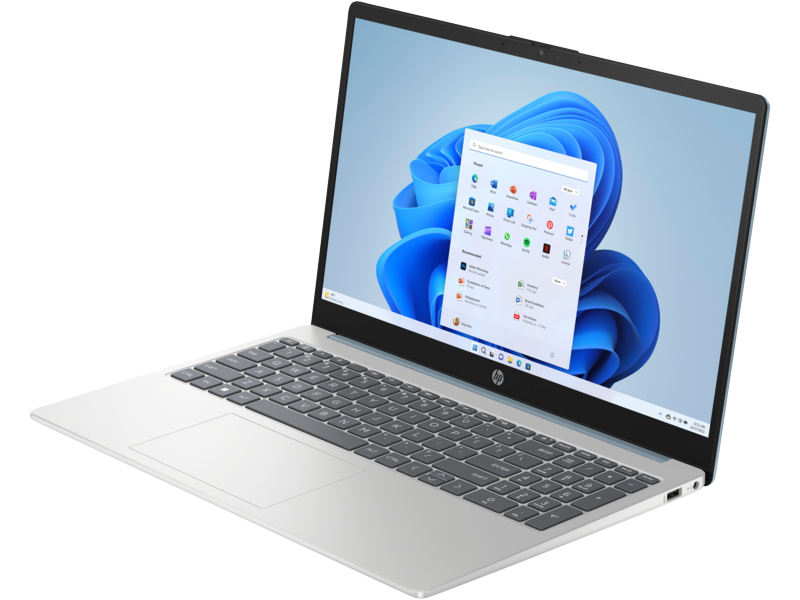
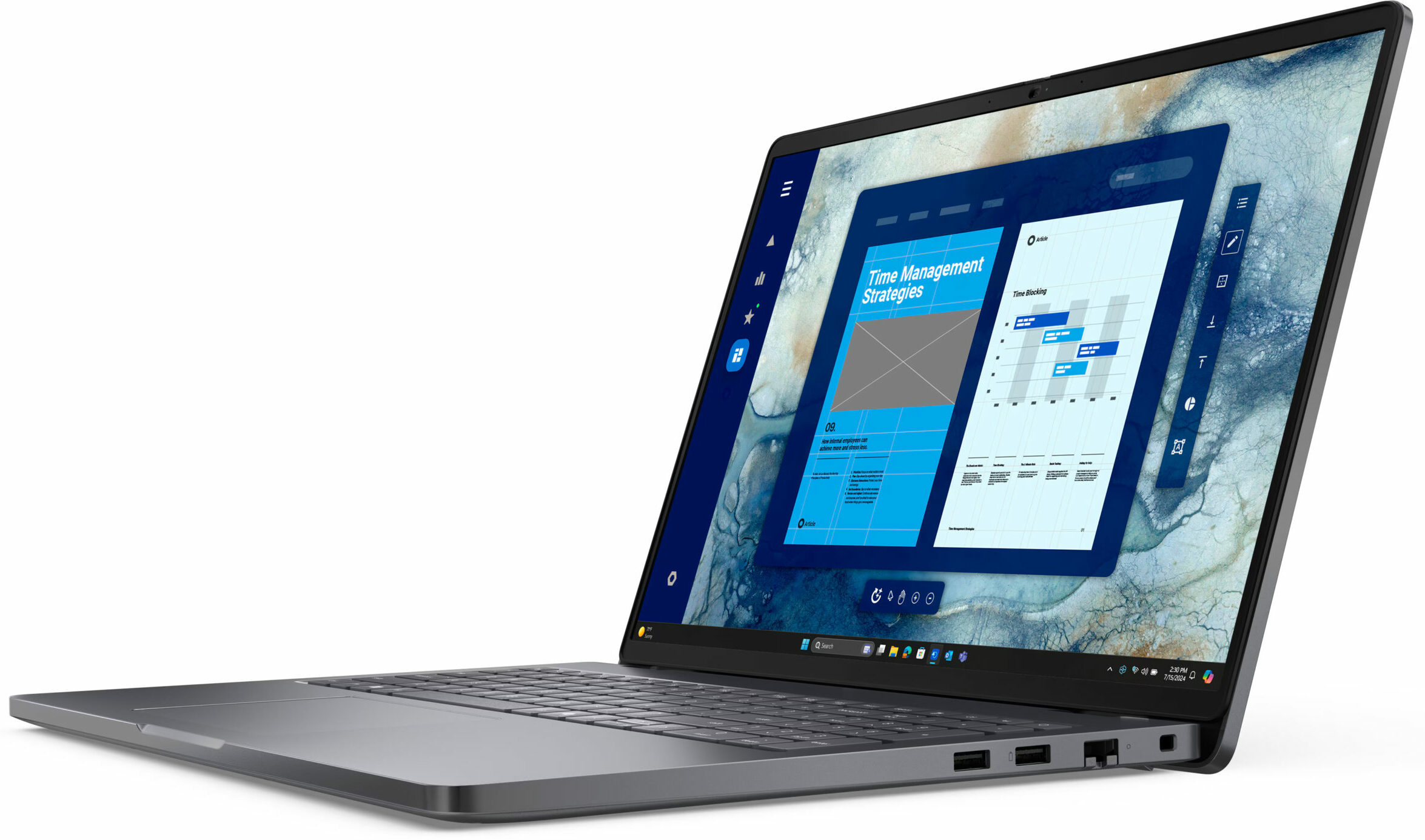
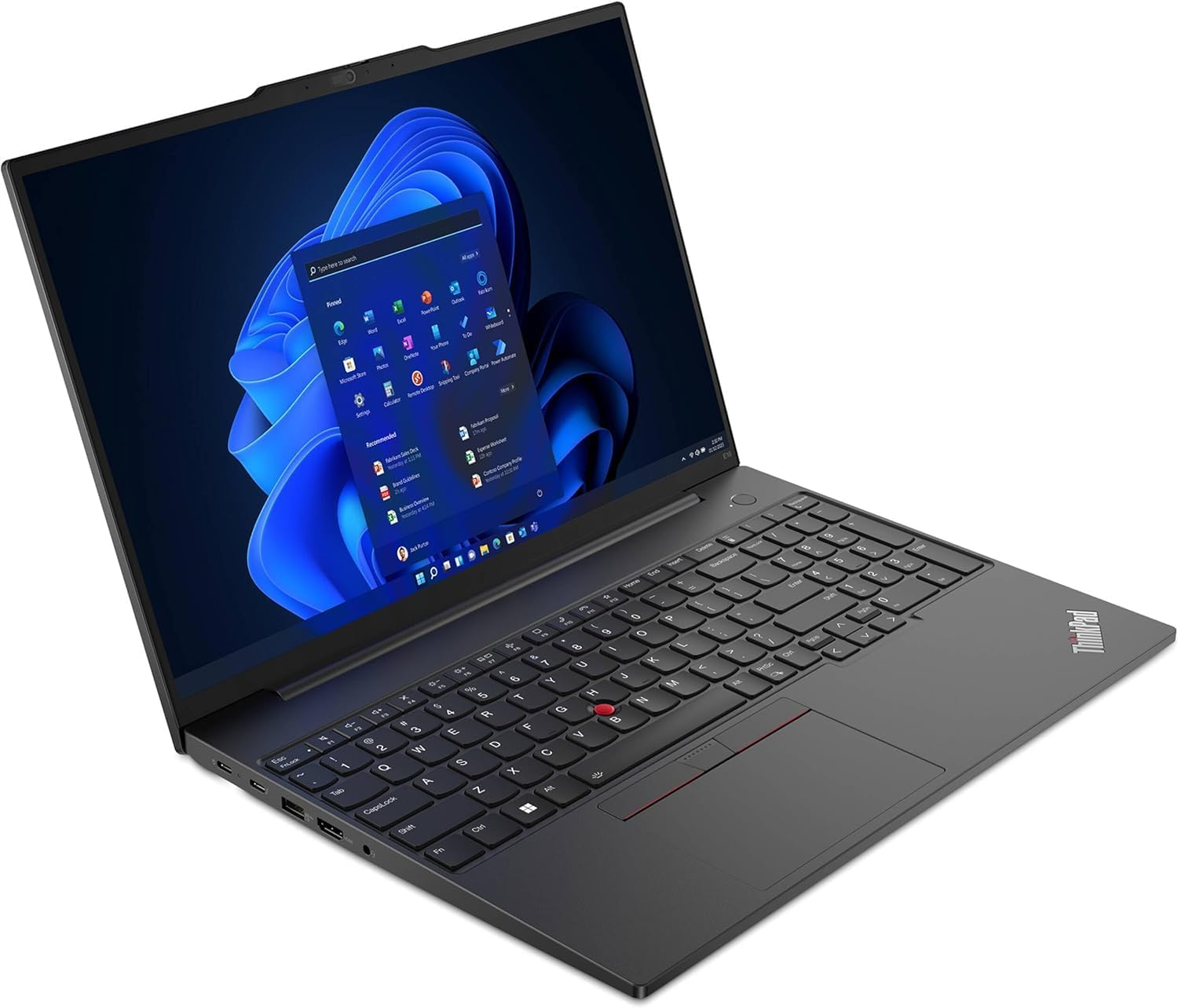
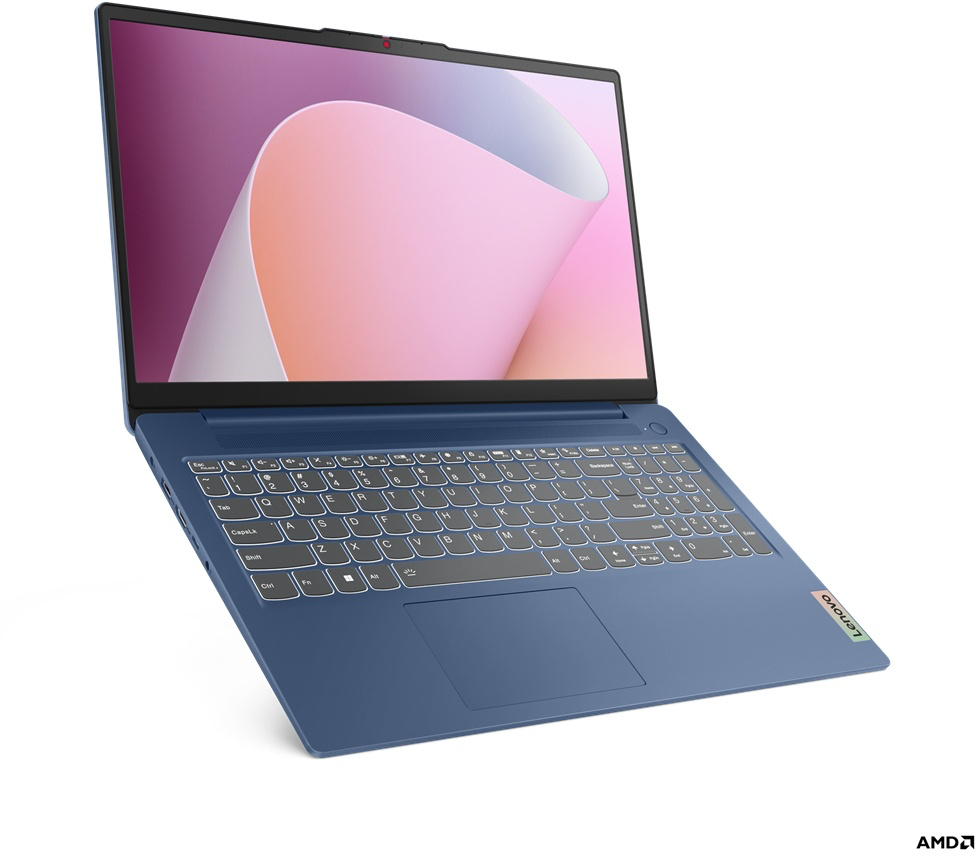
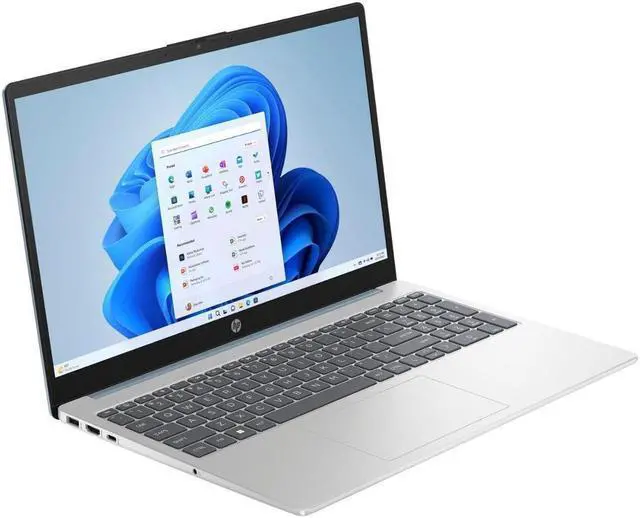
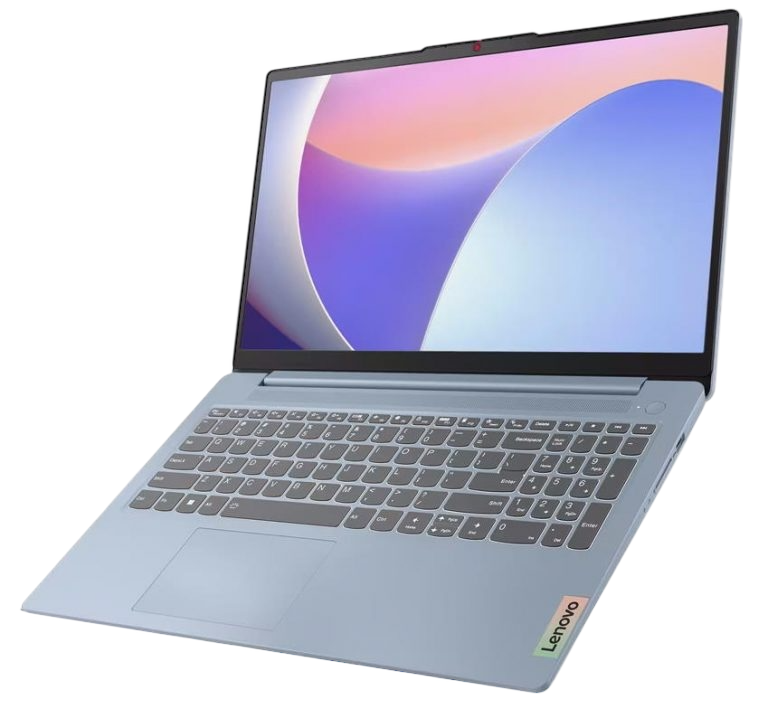
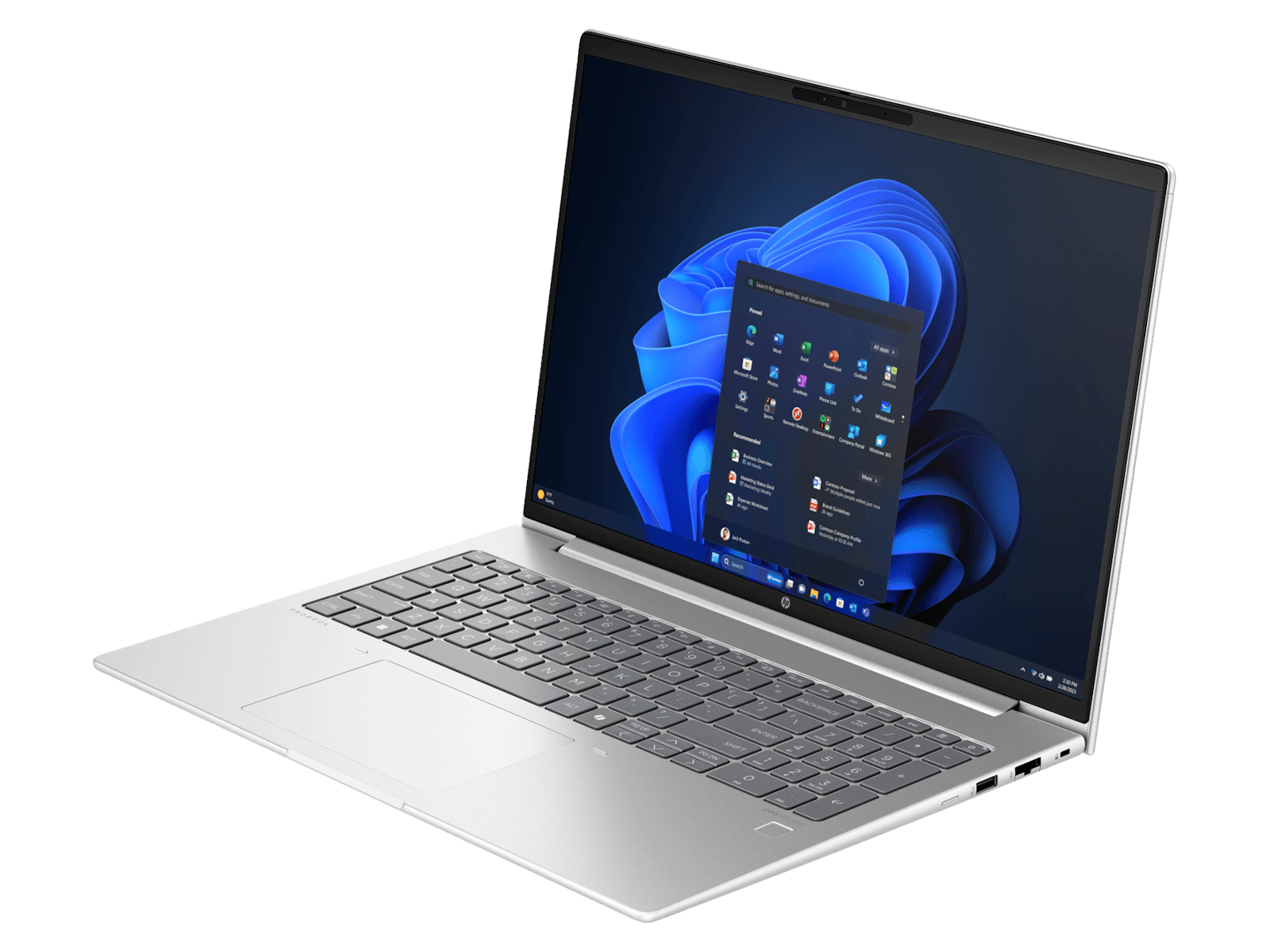
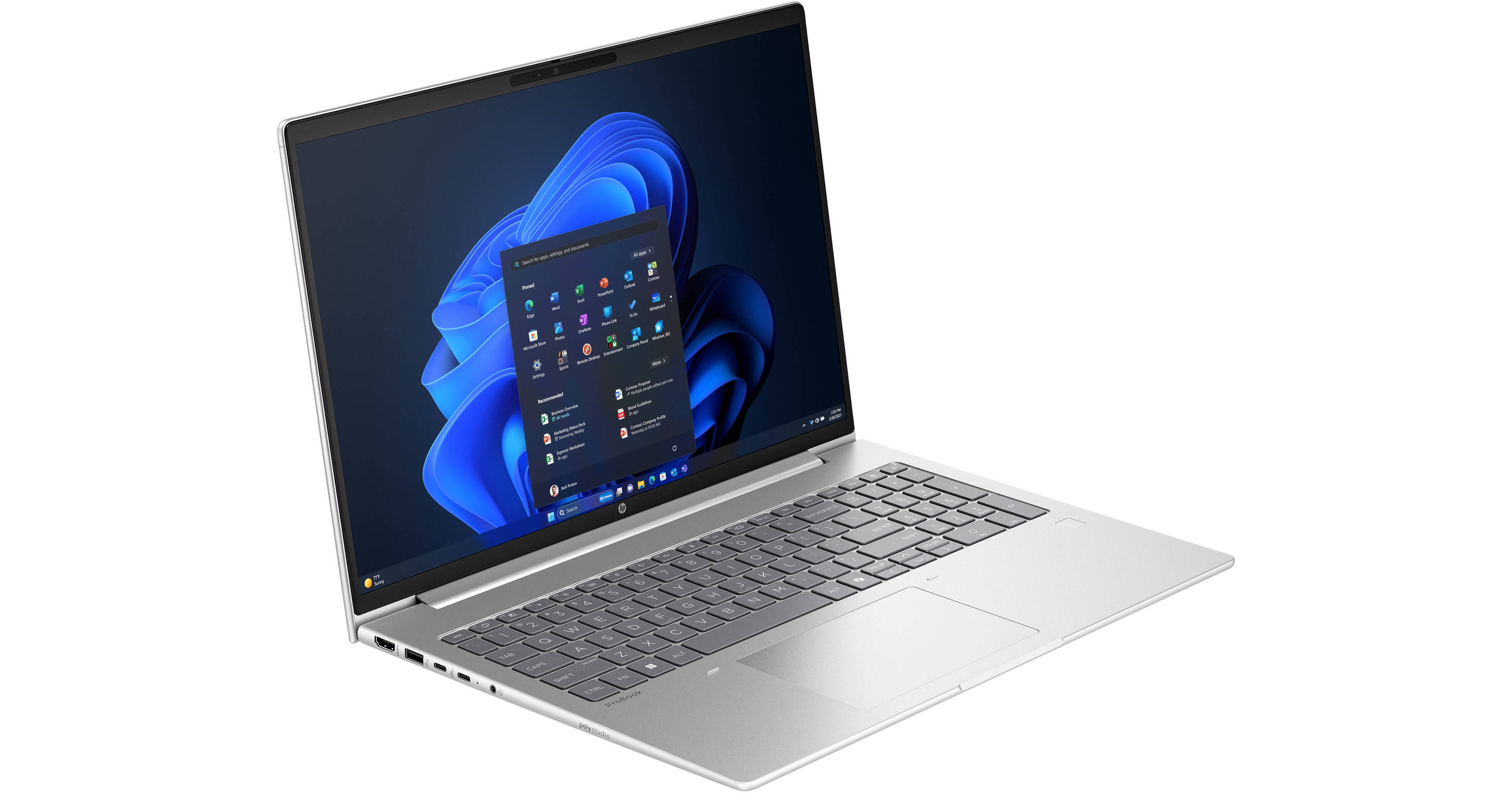
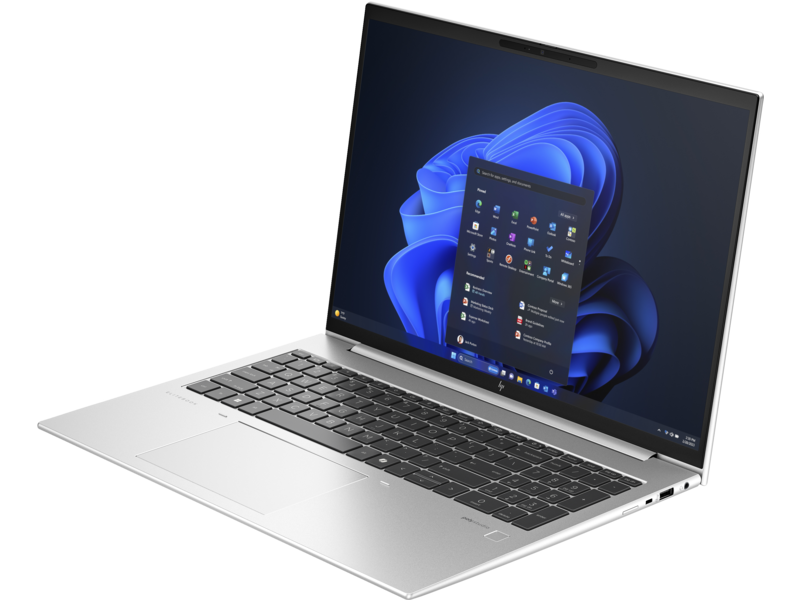
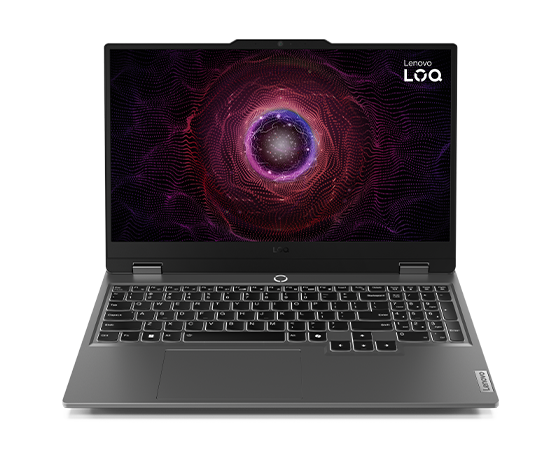
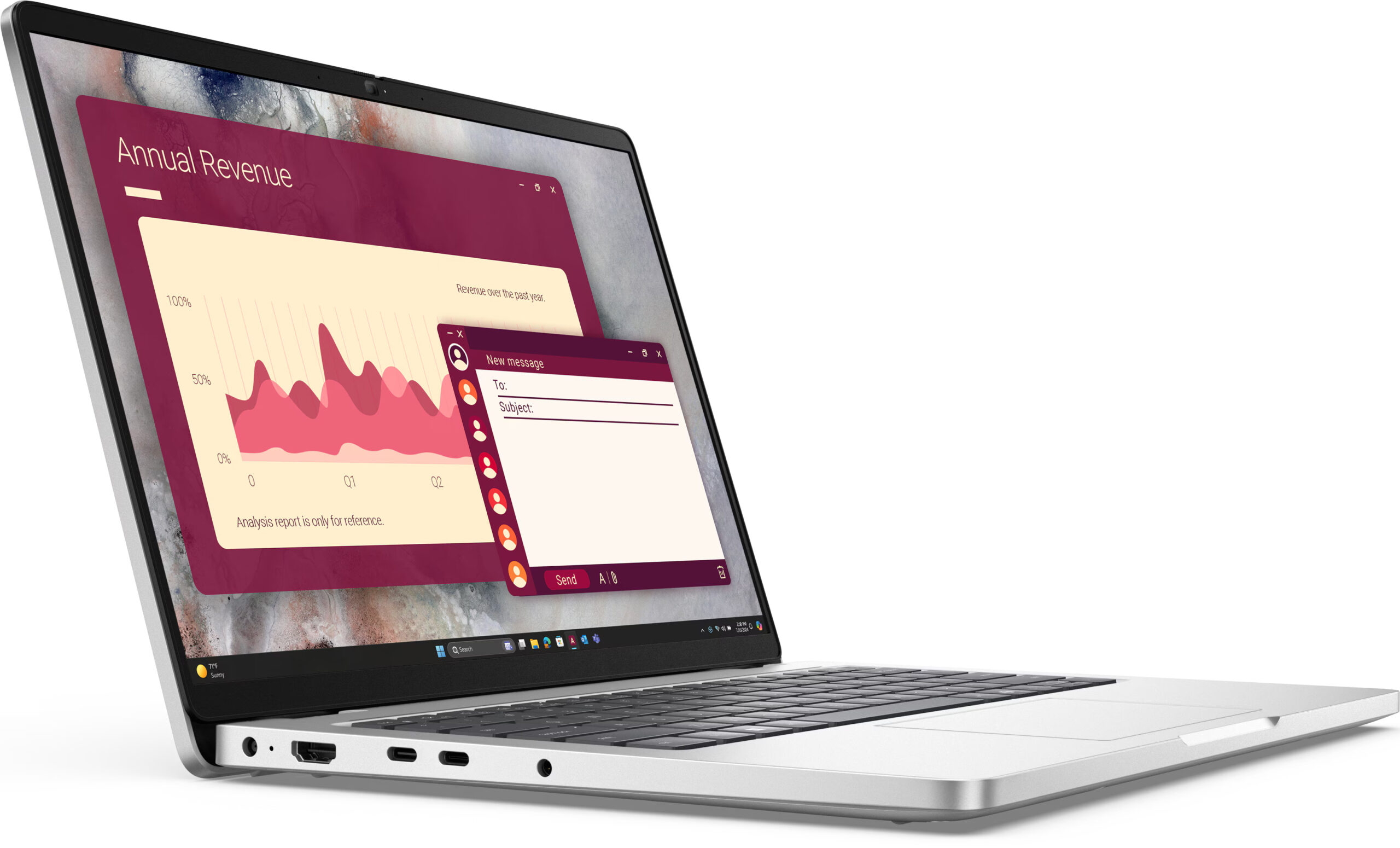
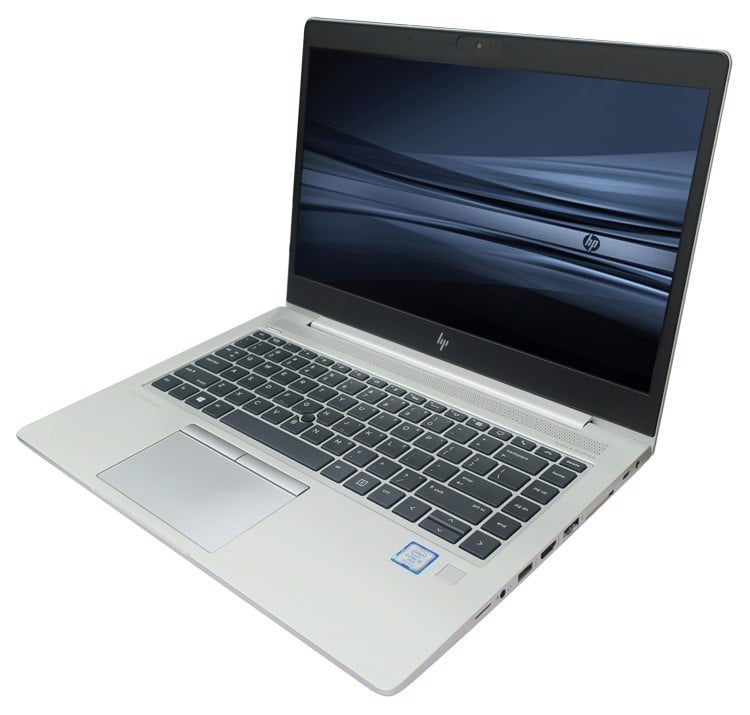
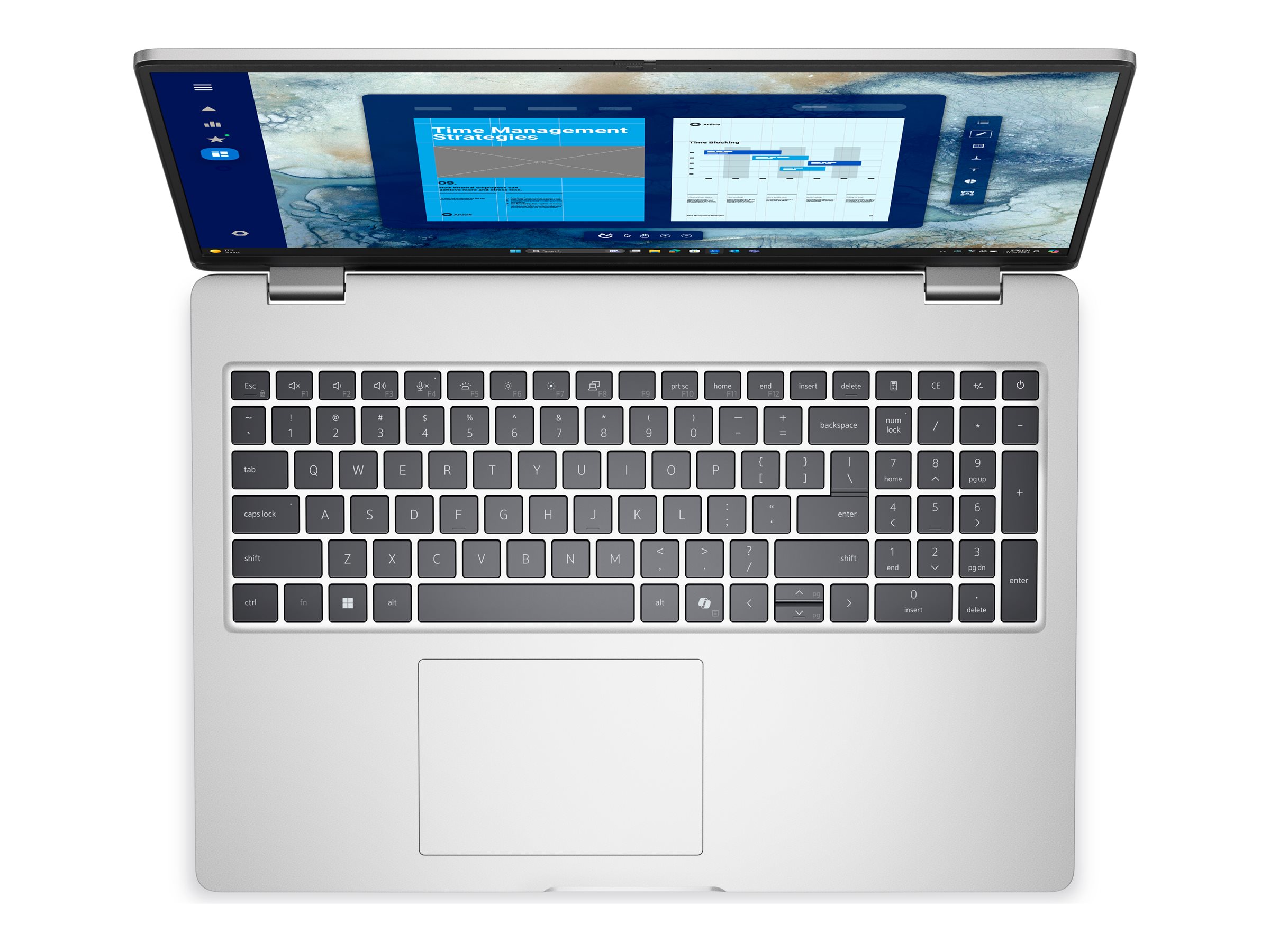
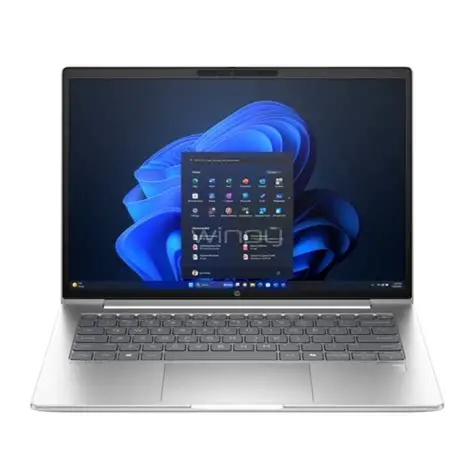
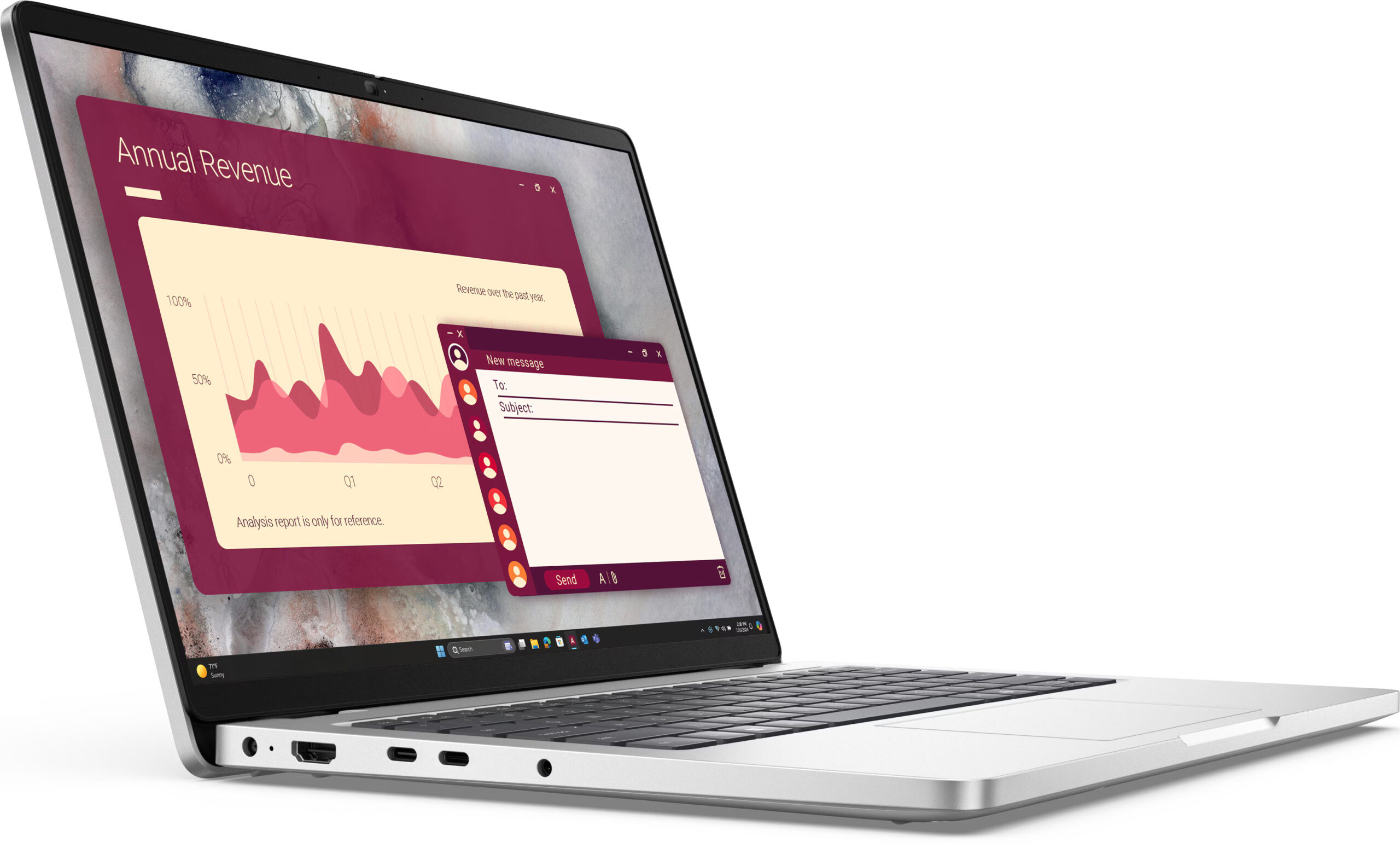
Our active inventory rotates weekly, but we typically carry HP EliteBook, ProBook, Pavilion and Victus models; Dell Pro 14, Pro 16, Pro Plus and Latitude business notebooks; Lenovo ThinkPad, ThinkBook, IdeaPad and Legion gaming laptops; and Apple MacBook Air, MacBook Neo and MacBook Pro with M1, M2, M3, M4 and M5 chips. Configurations range from entry-level 8GB RAM / 256GB SSD machines for students to 32GB / 1TB workstations with Intel Core Ultra 7 and discrete NVIDIA RTX graphics.
Delivery, Payment and Warranty
Same-day pickup is available in Kingston for orders prepaid and confirmed before 3pm, and we deliver islandwide within 48 hours. Payment options include bank transfer to NCB or Scotia (fastest), in-store card payment (5% processing fee on Credit Cards but no fee for Debit Cards) and online card payment powered by Lasco Financial Services.
Frequently Asked Questions
Are these laptops new or used?
Every device is brand new, sealed in the original manufacturer box. We don't sell used or refurbished machines.
How quickly can I get my laptop?
If you pay by bank transfer before 3pm, your laptop can be ready for pickup or delivery within 2–3 hours. Card payments are processed for next-day pickup or delivery.
Do you offer warranty?
Yes — 6 to 12 months manufacturer warranty depending on the model. Business-class laptops (EliteBook, ThinkPad, Latitude) typically carry longer warranties than consumer models.
Do you ship outside Kingston?
Yes, islandwide delivery is available within 1–2 business days via Bearer, Knutsford Express, Tara Couriers, Uber Courier or Doorway Express. Contact us for the exact courier fee to your parish.
Can I trade in my old laptop?
We focus on new device sales, but we do offer computer repair services if your current machine needs servicing rather than replacement. Send us photos of any damage on WhatsApp for a free virtual quote.
Visit or Contact Us
We're located at 20A South Avenue, Kingston 10 (inside Pinglinks Cellular, same compound as South Ave Grill). Hours are Monday to Saturday, 10am to 6pm. Reach us at 876-367-1220 or via WhatsApp. You can also browse our mobile devices, printers and monitors.